 B 13123765
Action
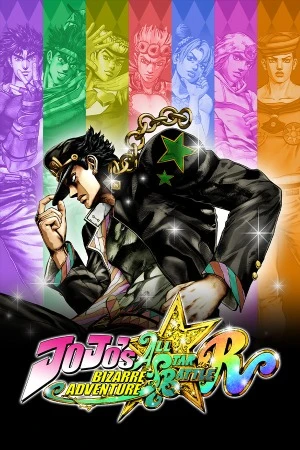
Jojo S Bizarre Adventure All Star Battle R
2022 • 5 GB


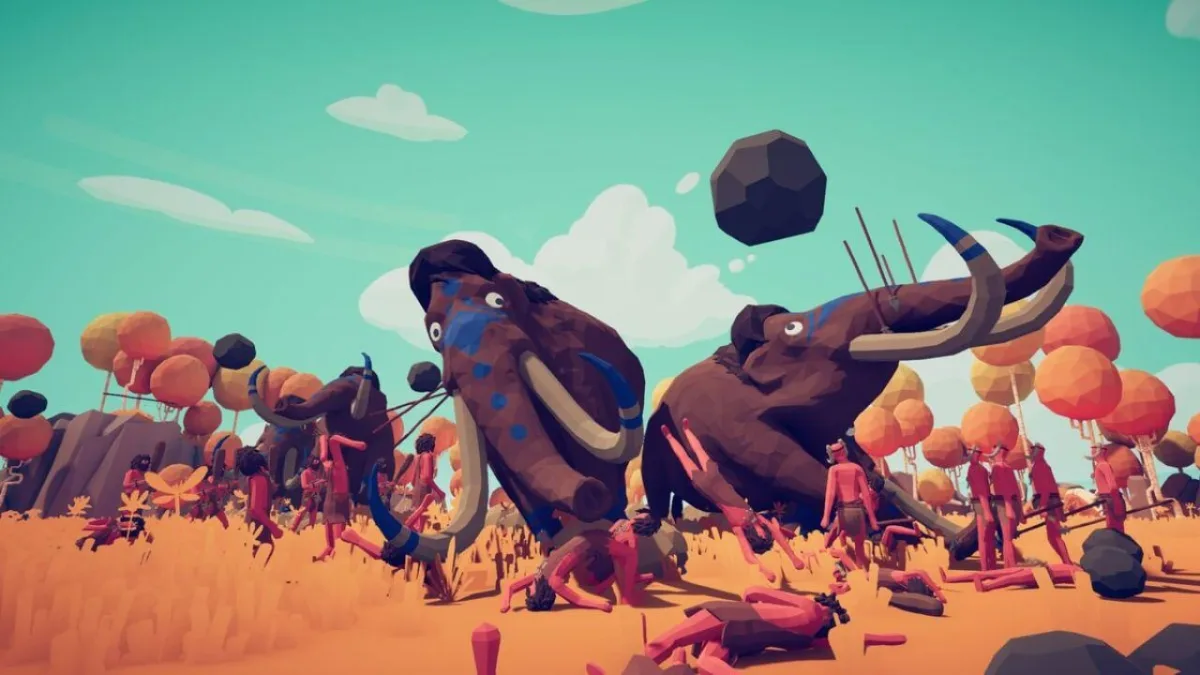
Step-by-step installation guide for Totally Accurate Battle Simulator (v1.1.8.7) on Windows 10/11 PC & macOS Desktop. Learn how to unpack, verify permissions, apply updates, and launch without errors.
How to Install Totally Accurate Battle Simulator (v1.1.8.7): Download the full desktop archive from the verified mirror below, extract the files to a clean directory using 7-Zip, WinRAR, or Keka, install any bundled runtime dependencies, and launch with administrator privileges.
→ Download Totally Accurate Battle Simulator (v1.1.8.7) Full Archive & Mirrors
xattr -cr on macOS) so false-positive heuristics do not block offline activation files.C:\Program Files or cloud-synced OneDrive folders._CommonRedist.More Totally Accurate Battle Simulator Resources: System Requirements | Crash & Error Fixes | Patch Notes
When backing up user profiles, presets, or local save data between a Windows Desktop workstation and a MacBook Pro/Studio for Totally Accurate Battle Simulator (v1.1.8.7), check these default desktop directories:
| Desktop Platform | Default User Data / Config / Preset Directory | Backup & Migration Notes |
|---|---|---|
| Windows 10 / 11 (x64) | %APPDATA%\{Totally_Accurate_Battle_Simulator}\ or %USERPROFILE%\AppData\LocalLow\{Totally_Accurate_Battle_Simulator}\ | Back up this folder before installing a newer version or resetting preferences. |
| macOS (Apple Silicon M1–M4 / Intel) | ~/Library/Application Support/Totally_Accurate_Battle_Simulator/ & ~/Library/Preferences/ | Use Cmd + Shift + G in Finder to open hidden Library paths directly. |
The download provided here is a free pre-installed package of v1.1.8.7. The game itself is a paid title on Steam, so if you enjoy it, consider supporting the developer by purchasing it there.
Extract the 1.4 GB package to a folder excluded from your antivirus, then launch Totally Accurate Battle Simulator.exe inside the game folder. If it fails to launch, install the apps from the Redist or _CommonRedist folder and run the game as administrator.
This is version v1.1.8.7, current build 21019909, with content updated on September 7, 2026.
Yes. You can send wobblers to fight friends or strangers in online multiplayer.
Mods are not officially supported by this build. You would need to search online for community solutions, as the site does not provide mod support.
You need a 64-bit OS (Windows 10), an Intel Core i7-4770 or AMD Ryzen 5 1600 or equivalent, 8 GB RAM, an NVIDIA GTX 970 or AMD R9 290X with 4GB VRAM, DirectX 11, and 6 GB of free storage.
Step-by-step setup process
Minimum specifications needed
B 13123765
Action
2022 • 5 GB

Game
2026 • 0.1 GB

Game
2026
 V 1.04
Action
2026 • 47.6 GB
Game
2026
Game
2026 • 8.3 GB
Game
2026 • 95.7 GB
Game
2026 • 58 GB
Pre-installed direct download links, no installer or license keys needed.
Share your thoughts and feedback
No comments yet. Be the first to share your thoughts!